Help Center
-
Knowledge Base
-
-
-
- Articles coming soon
-
- Home
- Install Settings
- Merchandising
- Personalize
- Category
- NLP
- Script-Hooks
- Analytics
- Manage Users
- Agentic Search (AI-Powered Conversational Search)
- AI Synonyms
- Semantic Search
- AI Shop Assistant (Chat Widget)
- Recommendations Widget
- Advanced Filtering & Filter Trees
- Troubleshooting Guide
- Search Performance Optimization
- BigCommerce Search Integration
- WooCommerce Search Integration
- Getting Started with eCommerce Search
- Show all articles (5) Collapse Articles
-
-
- Install Settings
- Analytics
- Search settings
- Merchandising
- Category
- NLP
- Search-API info
- Manage Users
- Script-Hooks
- Personalize
- Agentic Search (AI-Powered Conversational Search)
- AI Synonyms
- Semantic Search
- Recommendations Widget
- Advanced Filtering & Filter Trees
- Troubleshooting Guide
- Search Performance Optimization
- WooCommerce Search Integration
- Show all articles (3) Collapse Articles
-
-
- Instructions to install app
- Home
- Install Settings [Shopify]
- Category
- Merchandising
- Search settings
- NLP
- Analytics
- Search-API info
- Manage Users
- Script-Hooks
- Personalize
- Agentic Search (AI-Powered Conversational Search)
- AI Synonyms
- Semantic Search
- AI Shop Assistant (Chat Widget)
- Recommendations Widget
- Commerce MCP Server (Shopify AI Tools)
- Advanced Filtering & Filter Trees
- Troubleshooting Guide
- Search Performance Optimization
- Show all articles (6) Collapse Articles
-
- List of all supported fields
- [Solved] Crawl error with Cloudflare website, Cloudflare is blocking crawler bot
- Expertrec Crawler - Control your Index
- Take Screenshot
- Manual extraction
- Automatic extraction
- Boost Fields
- Filter fields
- Create search for e-commerce store
- Use Existing Search Box
- Wordpress plugin
- Code
- Troubleshooting Guide
-
- Articles coming soon
-
< Back
You are here:
Print
Create search for e-commerce store
Created On
Last Updated On
byExpertrec Marketing
-
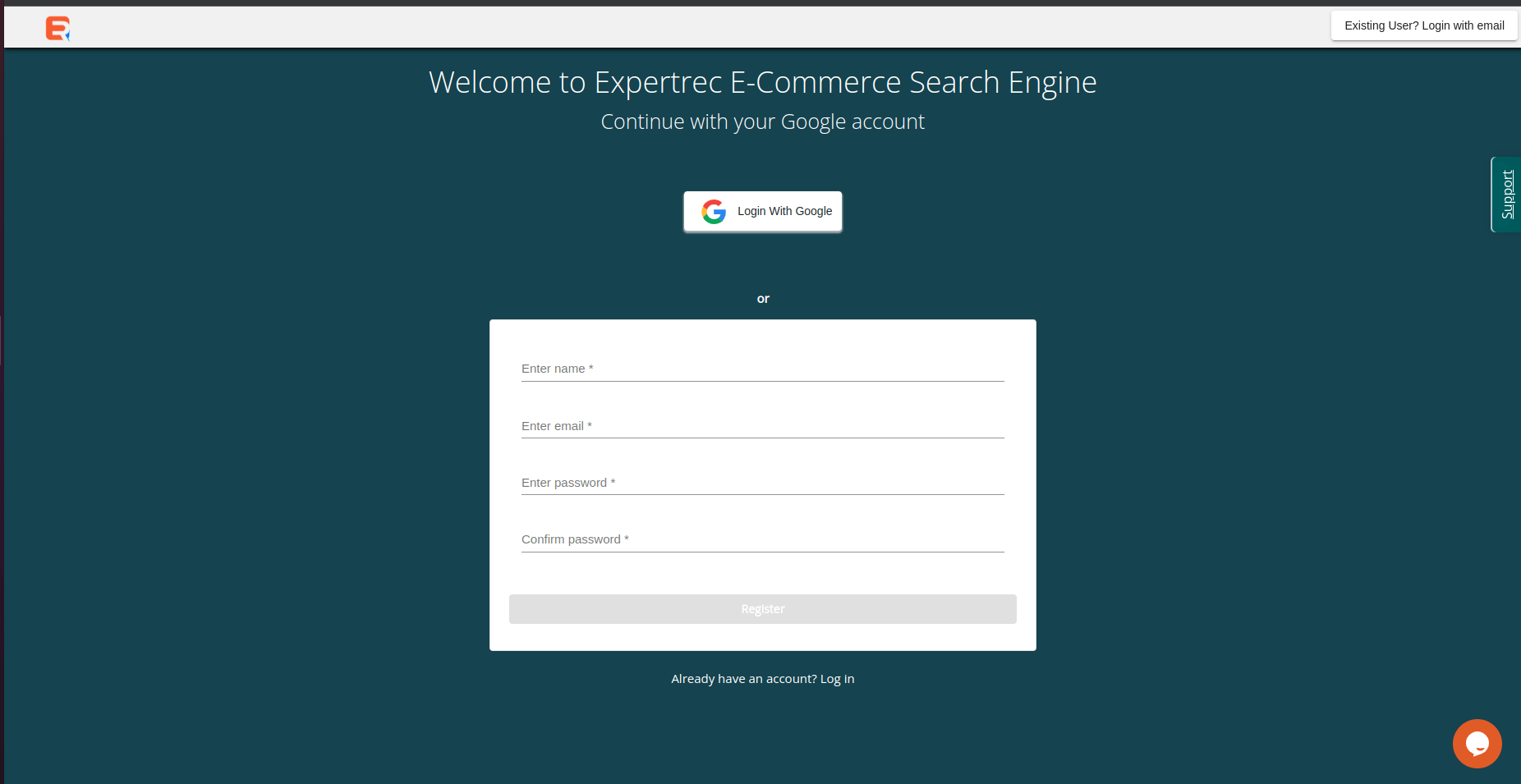
- Signing up for the service does not require any credit card information but is a necessary step in setting up your search. Sign up using your Google account
-
- Enter your URL (this is how you identify your index and this has to be a valid URL). The system will recommend a primary location based on your current location. Choose the location that will be closer to your customer base. If that is different from your current location, you can change it in the drop-down.

Table of Contents