Last updated: November 26, 2026. Added a short direct answer, a clearer list and clearer headings.
Read google voice search on safari for more information.
To use Google voice search on Safari, make Google your default search engine or create a bookmark to Google on your iPhone so you can reach it quickly. Google, Bing and Yahoo voice search can all be used through Safari.
As you already know that in today’s time voice search makes up to at least 20% of all the searches made online. Google Search Voice on Safari lets you use Google, Bing, Yahoo voice search.
If you regularly use the Safari browser on your iPhone, then do not have to do much to reach to Google. The best way is to understand how Google voice search works on Safari.
Steps to Set Up Google Voice Search on Safari
To reach Google as quickly as possible, you just need to either:
- Make Google your default search engine.
- Or create a bookmark to Google.
Voice Search for Directions and Reminders
Voice searches are most useful when you want to look for directions, and receive reminders. If you want to know about the weather forecast, you can simply say ‘Ok Google’.
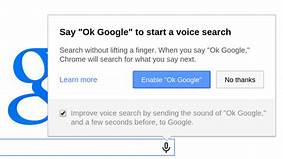
Voice Search Extension for Chrome on iPhone
The option of Voice Search was also given previously in Chrome, but now it has been updated. If you use an iPhone, then you should enable OK Google voice search assistant on Mac OS X Google Chrome browser.
Also, try this article on how to add voice search.
To know more about the topic, watch the video: