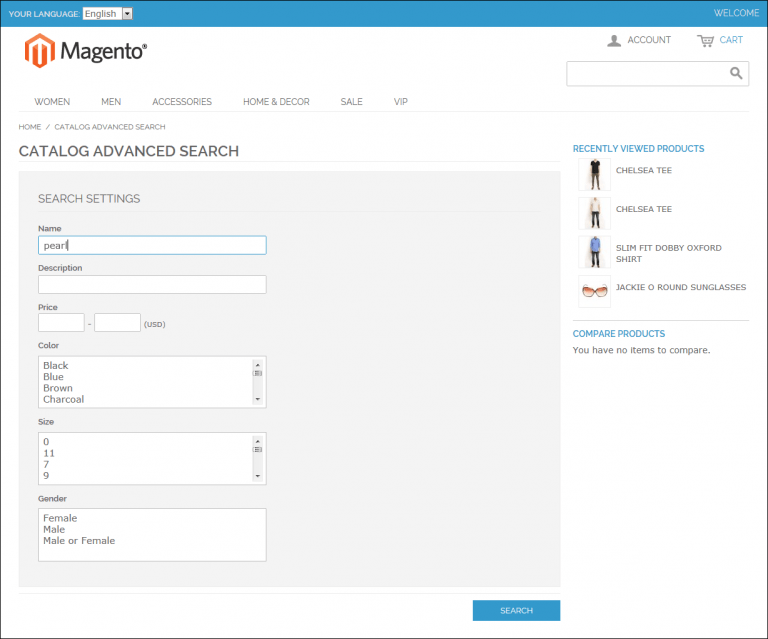


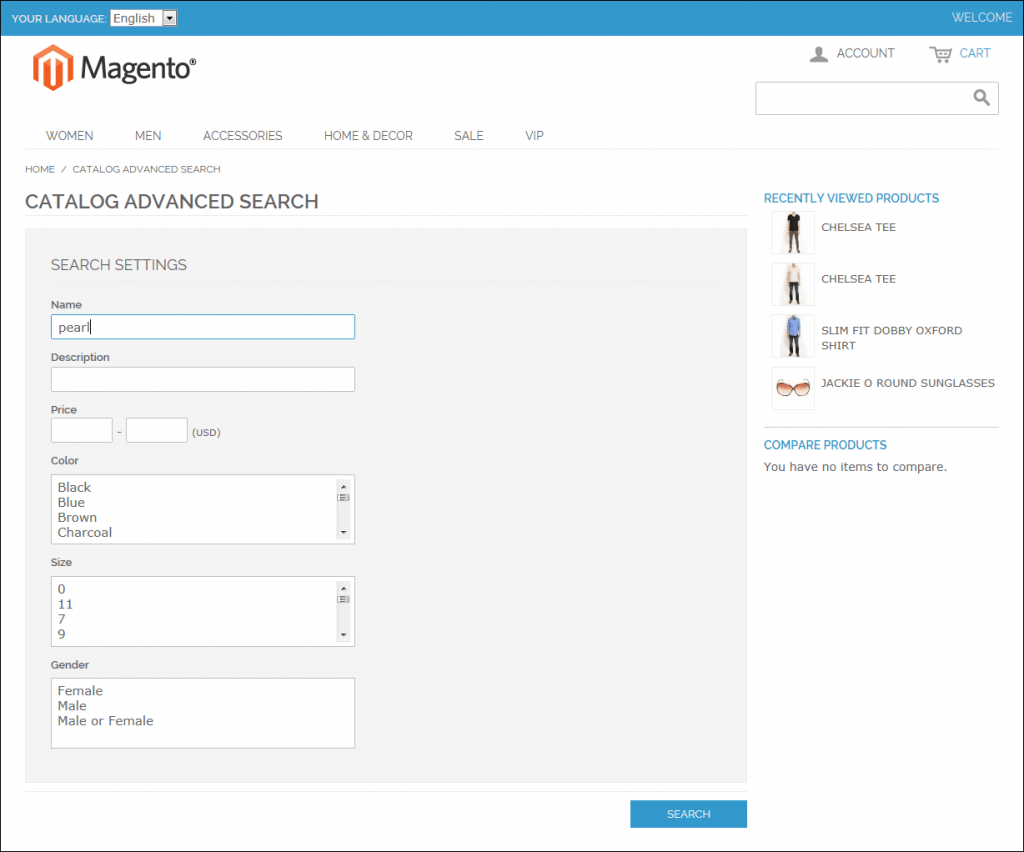
Create an advanced search engine for your Magento store
How to add a Magento advanced search engine?
Take a look at ExpertRec’s Magento search plugin and Magento 2 search plugin. This will add a search to your store that gives all modern perks like voice search, auto-complete, live suggestions, and much more. It also has support for advanced search. If the plugin method does not work out as expected then try the crawl based method.- Navigate to https://cse.expertrec.com/newuser?platform=cse and signup with your Google ID.
- Enter your website’s URL when prompted. You can select a server location near you and add the URL of your sitemap if you wish to. These will be auto-detected otherwise.
- You can play around with the settings and customize the UI as the crawl runs. Once it is complete, you can check out a fully functional demo before taking the search to your website.
- You can take the search to your website with little to no effort. All you need to do is to paste the code snippet available on the dashboard on your website.
Add Custom Search to your Magento website
Related Magento Search Guides
- Magento search settings
- No linked stock found Magento 2
- Magento 2 Custom Search Bar
- Magento 2 Custom Search Engine – About
- c
- Learn About Google Custom Search Magento 2 Extension
- How to enable popular search terms in magento 2
- Advanced Search Magento 2
- How to add Google custom search to magento
- Magento 2.3 Elasticsearch
- Magento custom search module – expertrec
- Magento 2 Search Settings Guide
- Magento 2 Custom Catalog Search
Magento advanced search is a built-in feature that lets customers search products using multiple criteria simultaneously, such as product name, SKU, description, price range, and custom attributes. It provides more precise results than the basic search bar.
Go to Stores, then Configuration, then Catalog, then Catalog Search in your Magento admin. Set the search engine (Elasticsearch is recommended for Magento 2.4+), configure minimum query length, and enable search suggestions.
Common causes include an outdated search index, misconfigured Elasticsearch, missing product attributes in the search index, or a large catalog without proper optimization. Reindex your catalog and consider a dedicated search solution for better performance.


